
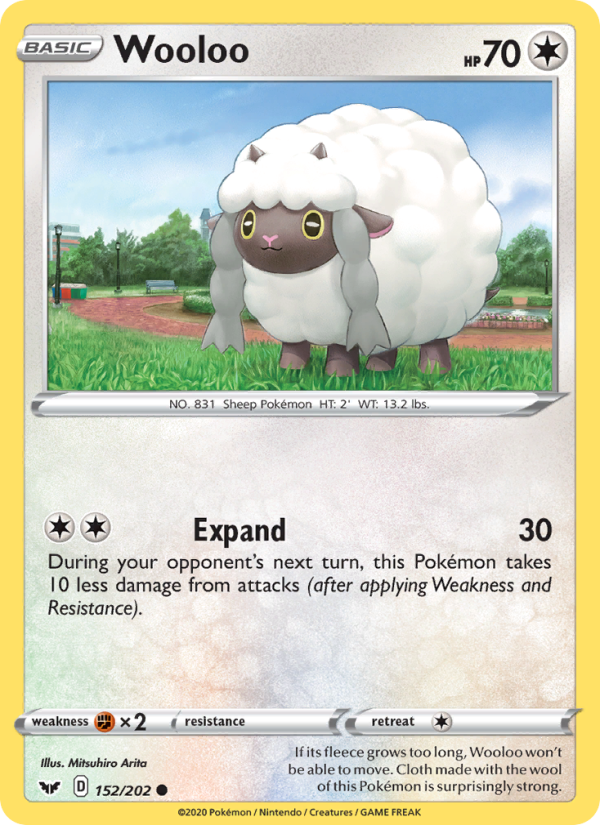
Wooloo
Not in binderSword & Shield · 2020 · Mitsuhiro Arita
152/202
 PokeChecklist
Browse checklists
A hand-curated checklist
Across the Sword & Shield era, 28 cards by different illustrators return to the same peaceful park: a stone-ringed pond, curving brick paths, blue benches, and green streetlamps. Follow it through seasons, weather, and times of day, spot Pokémon cameoing in each other’s scenes, and end at Kricketune’s midnight concert.
HOW THIS CHECKLIST IS CURATED
Cards qualify when the illustration is set in the shared park: the brick loop, the stone-edged pond, the blue benches, and the green streetlamps. Cards are listed in release order, from Sword & Shield to the Crown Zenith finale, so the checklist reads like the park’s story.
YOUR BINDER, AT A GLANCE
THE CHECKLIST
Sword & Shield · 2020 · Mitsuhiro Arita
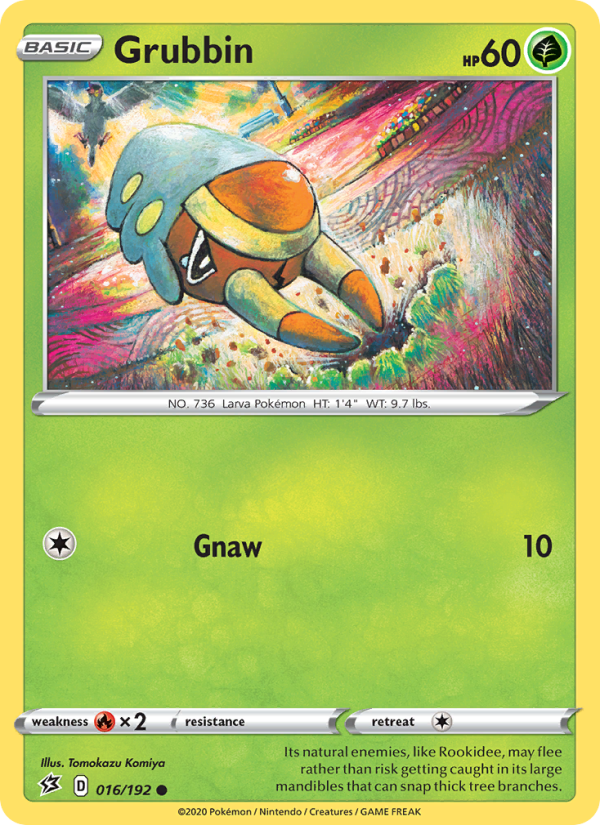
Rebel Clash · 2020 · Tomokazu Komiya
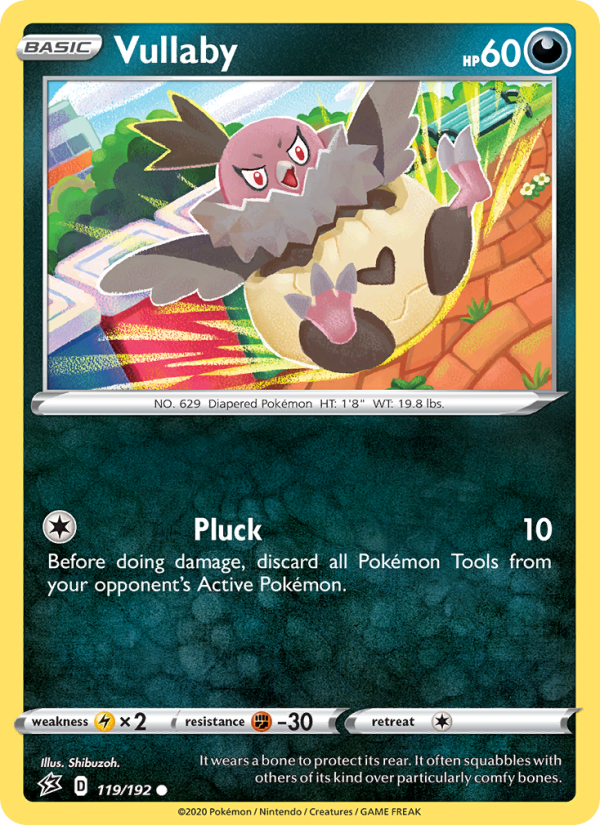
Rebel Clash · 2020 · Shibuzoh.
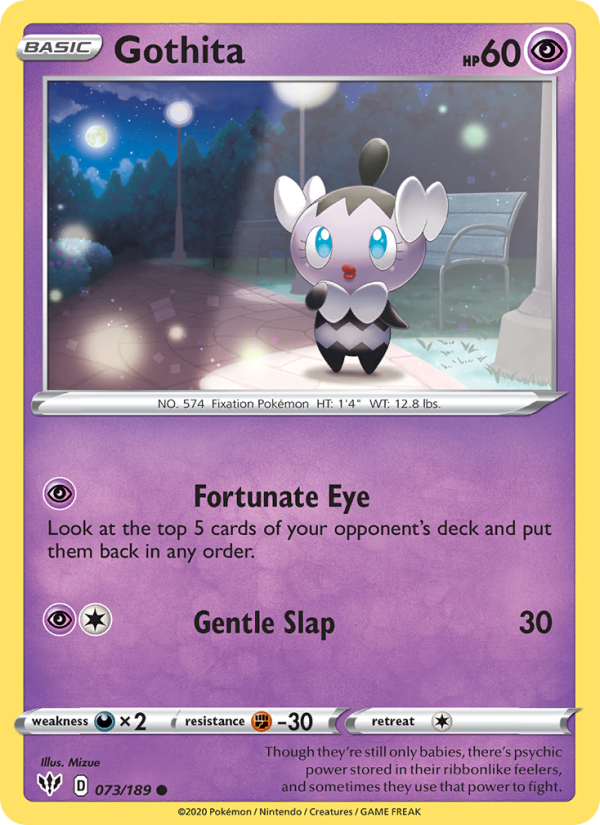
Darkness Ablaze · 2020 · Mizue
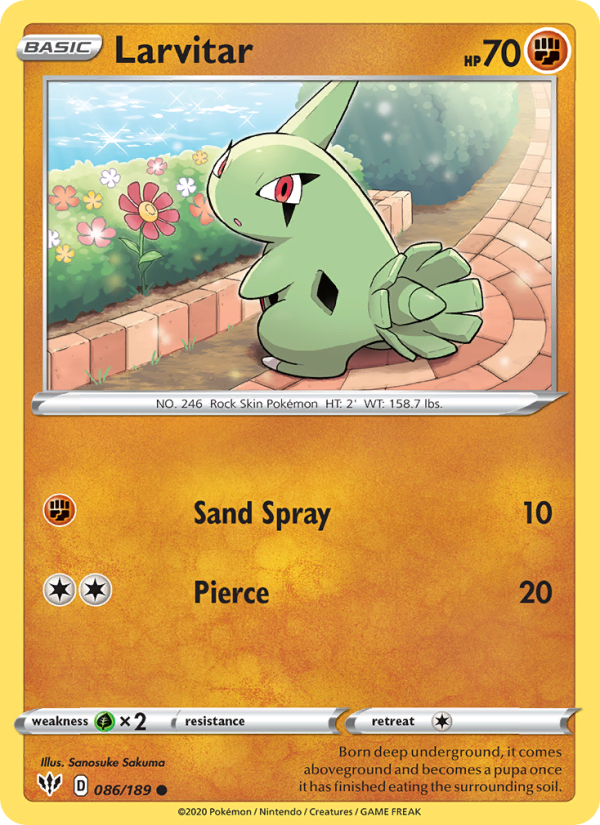
Darkness Ablaze · 2020 · Sanosuke Sakuma
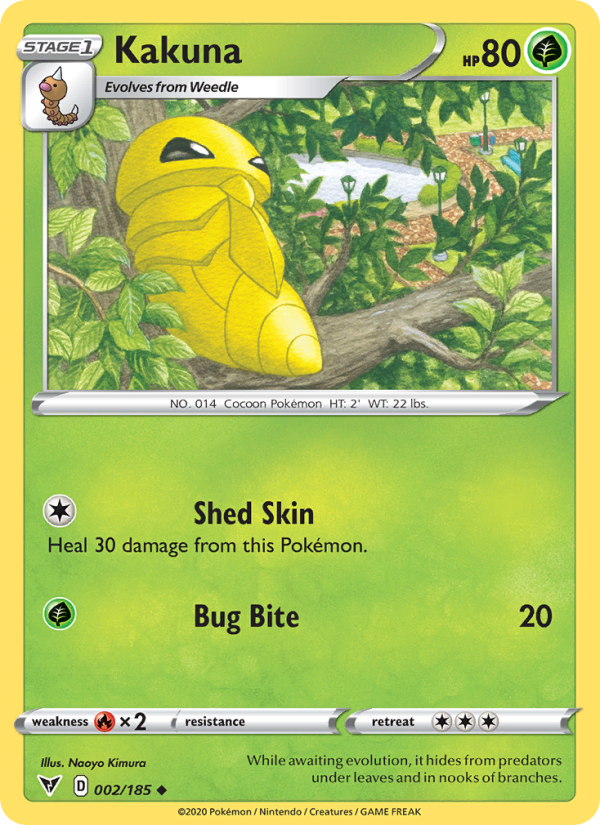
Vivid Voltage · 2020 · Naoyo Kimura
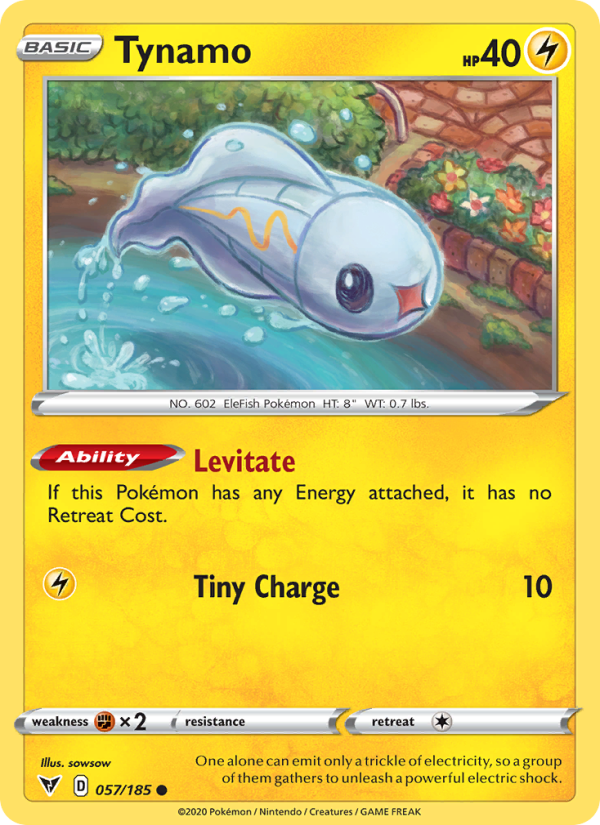
Vivid Voltage · 2020 · sowsow
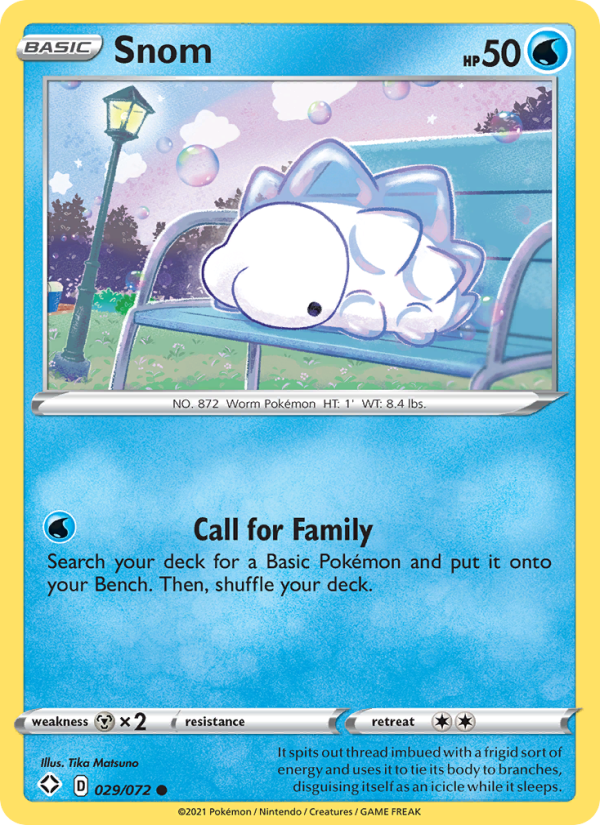
Shining Fates · 2021 · Tika Matsuno
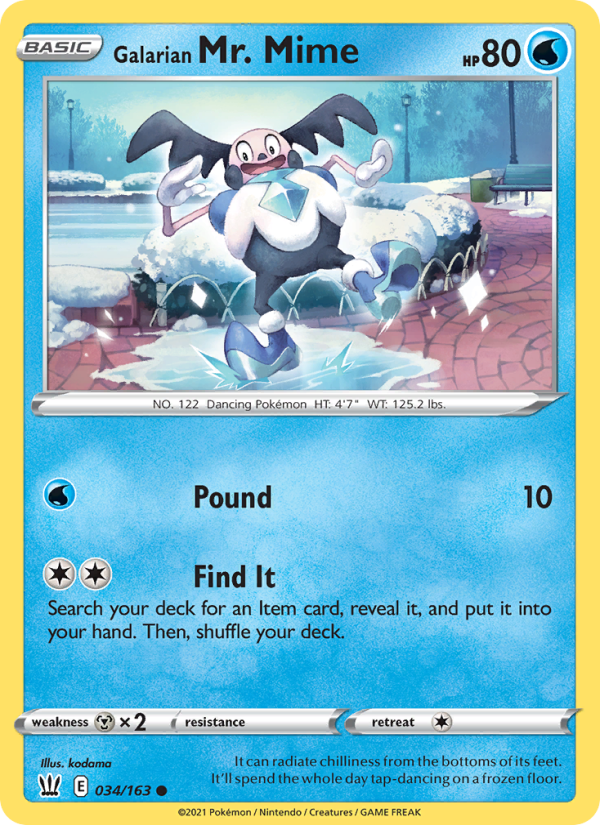
Battle Styles · 2021 · kodama
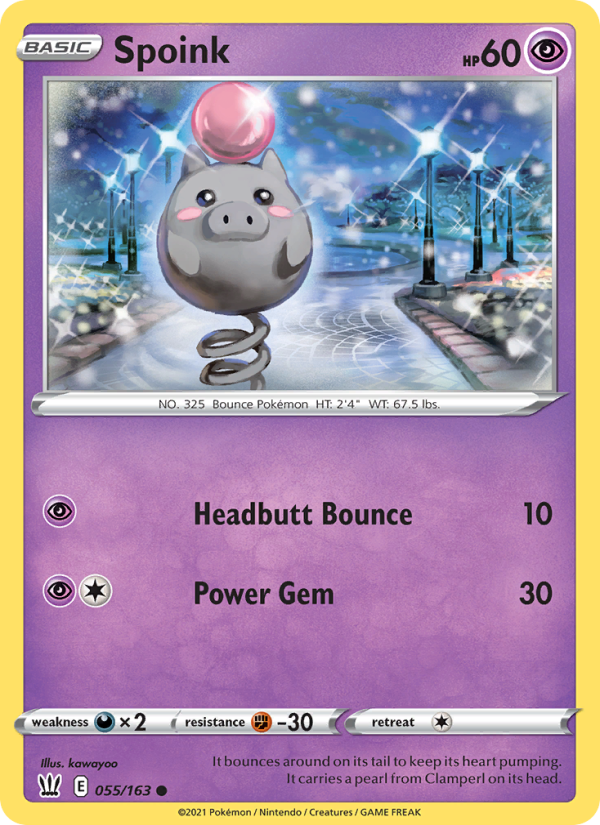
Battle Styles · 2021 · kawayoo
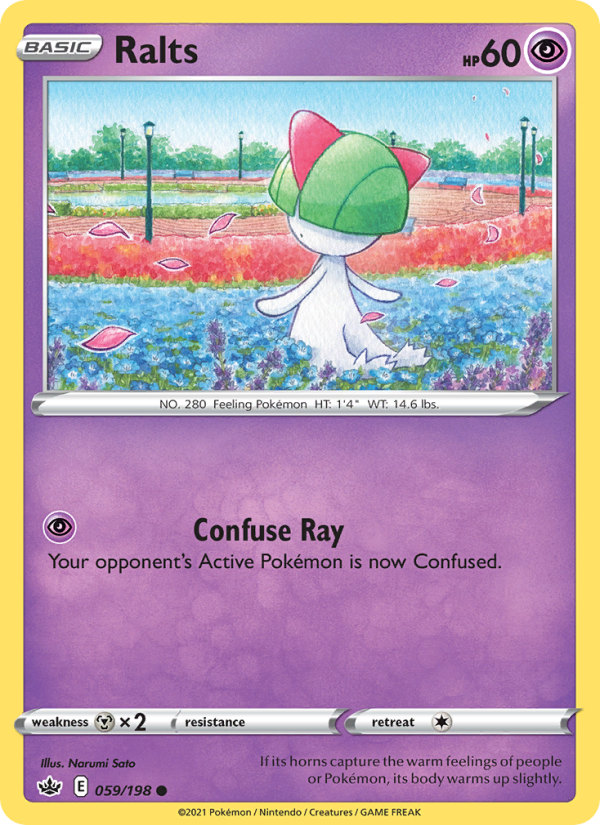
Chilling Reign · 2021 · Narumi Sato
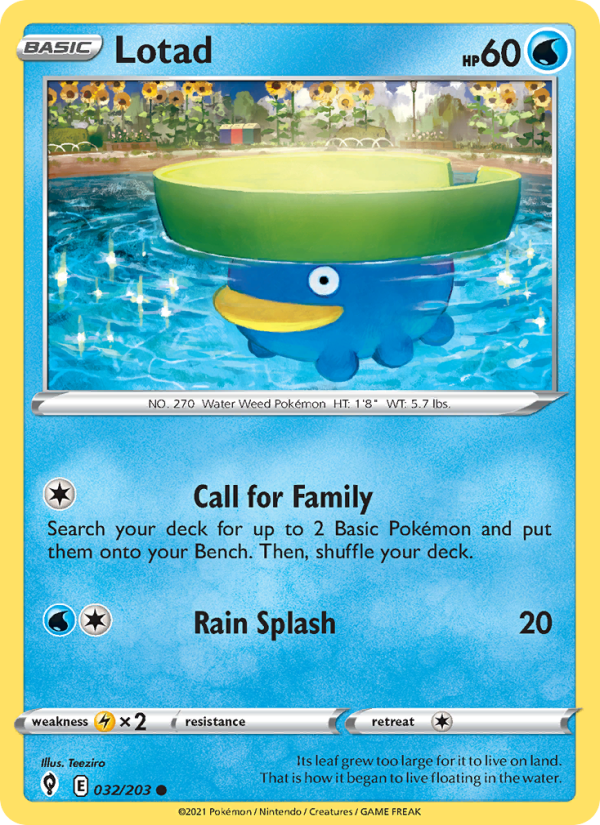
Evolving Skies · 2021 · Teeziro
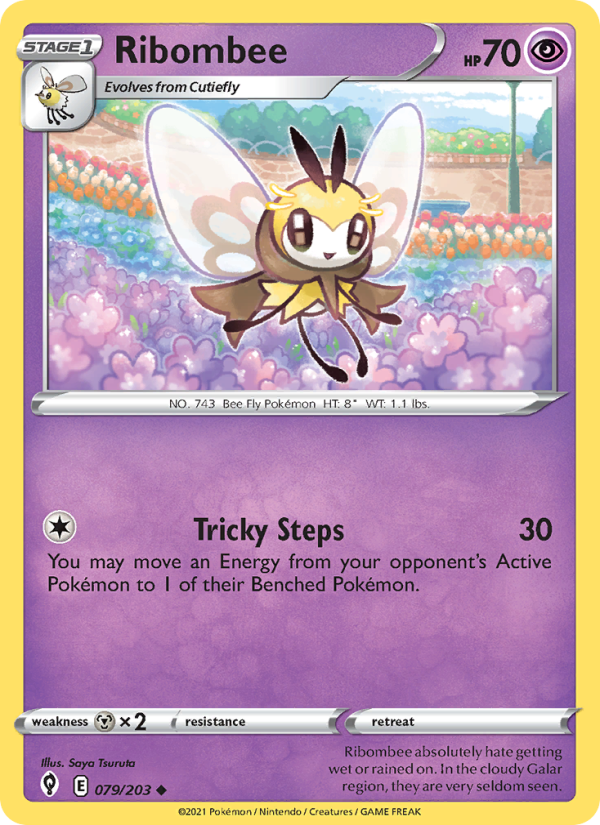
Evolving Skies · 2021 · Saya Tsuruta
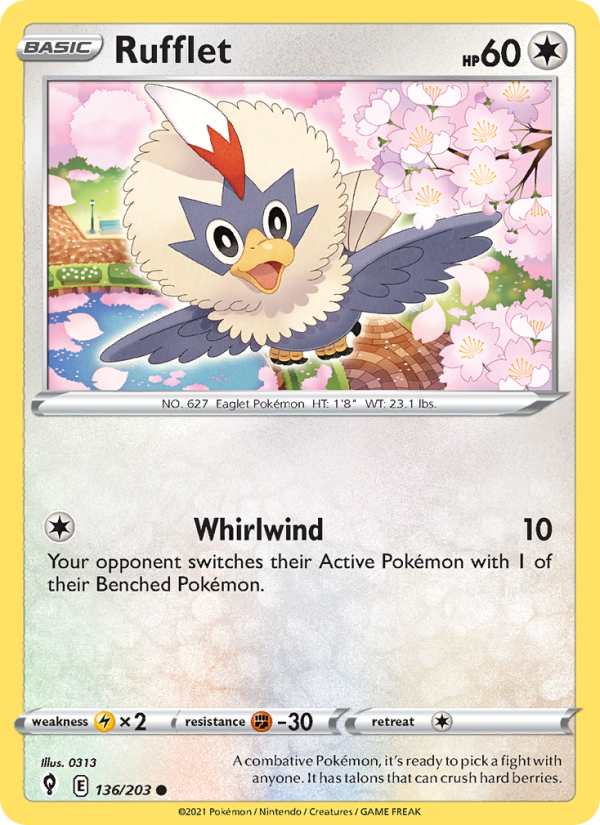
Evolving Skies · 2021 · 0313
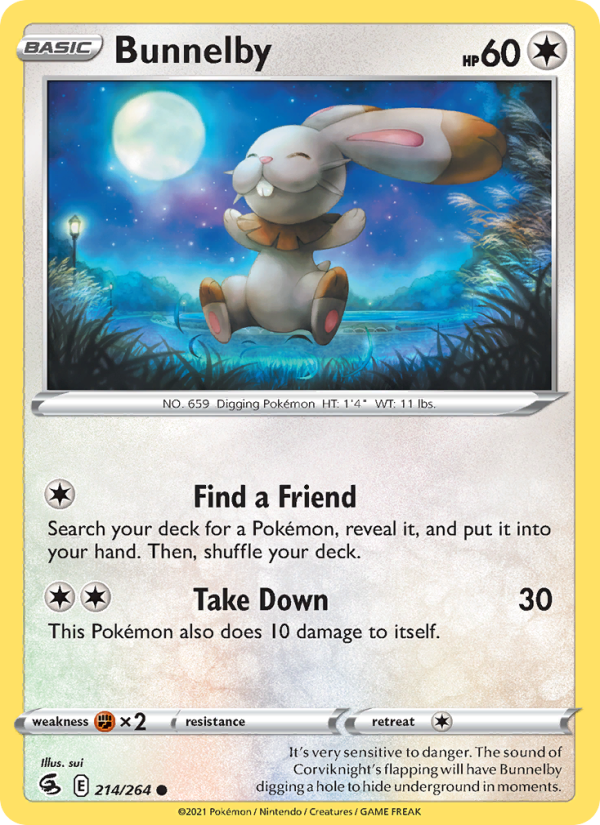
Fusion Strike · 2021 · Misa Tsutsui
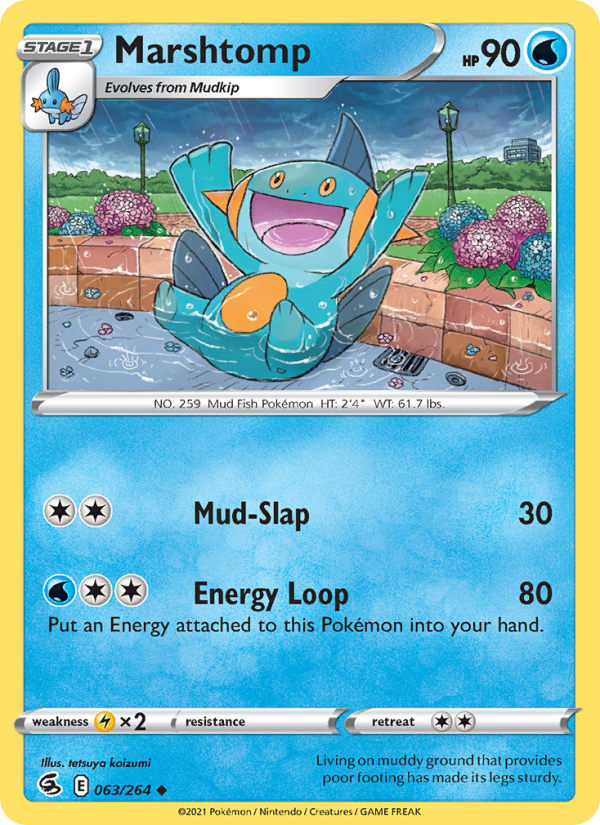
Fusion Strike · 2021 · tetsuya koizumi
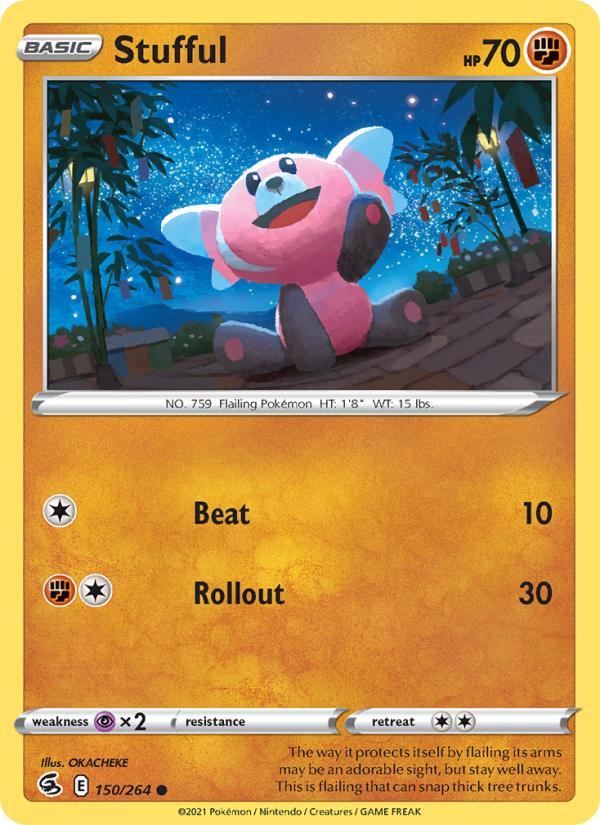
Fusion Strike · 2021 · OKACHEKE
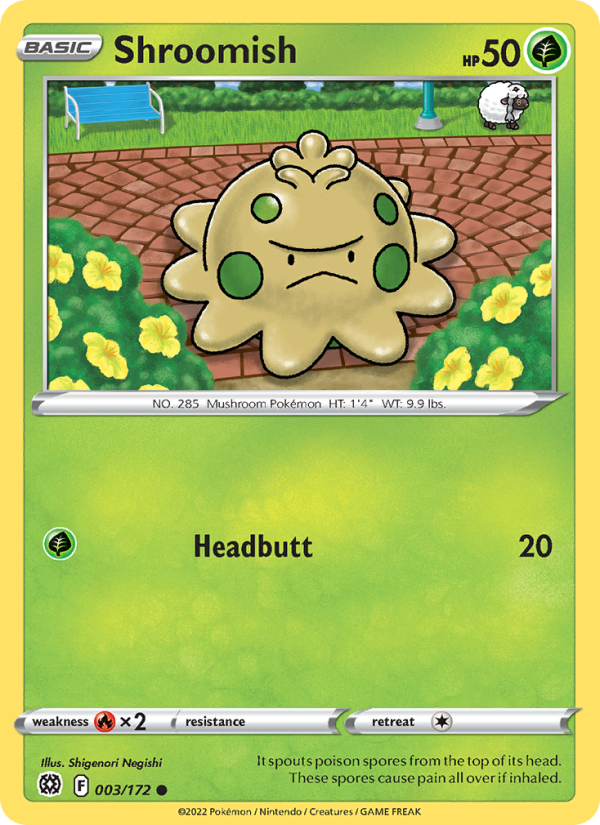
Brilliant Stars · 2022 · Shigenori Negishi
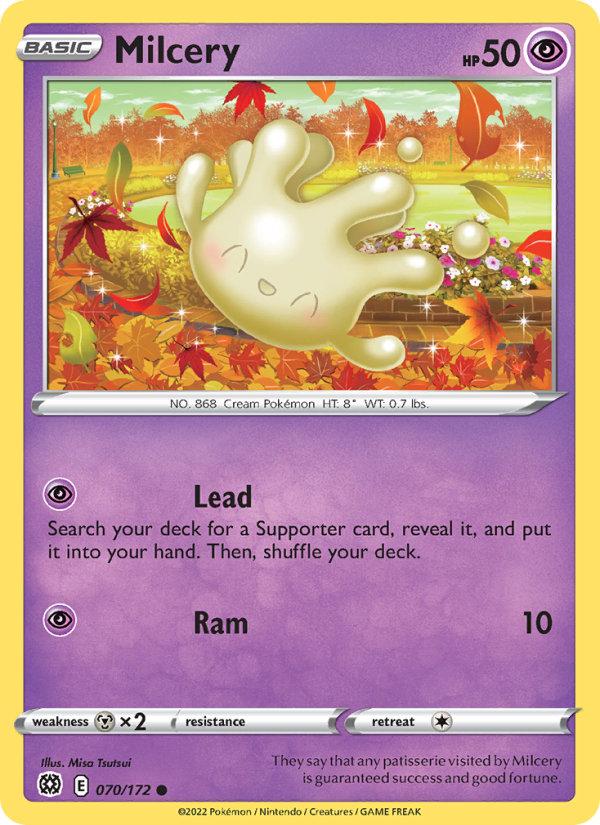
Brilliant Stars · 2022 · Misa Tsutsui
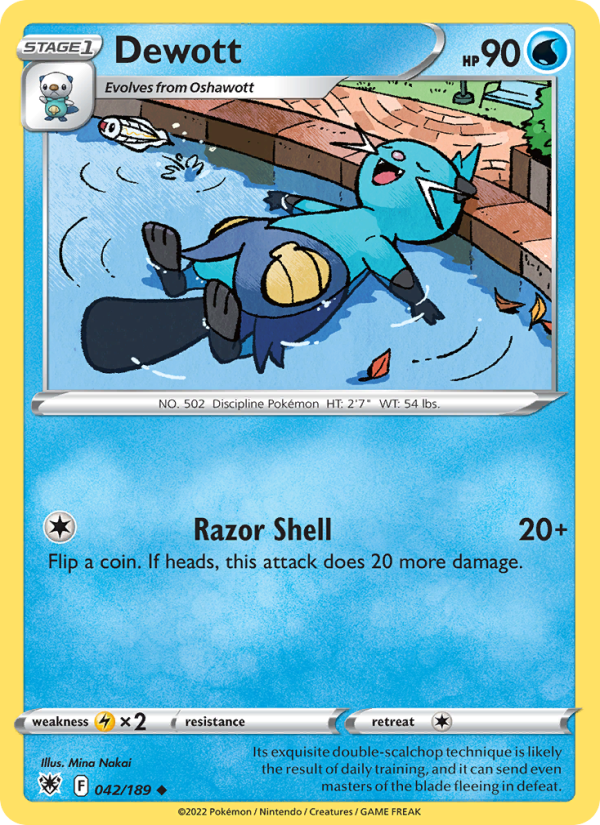
Astral Radiance · 2022 · Mina Nakai
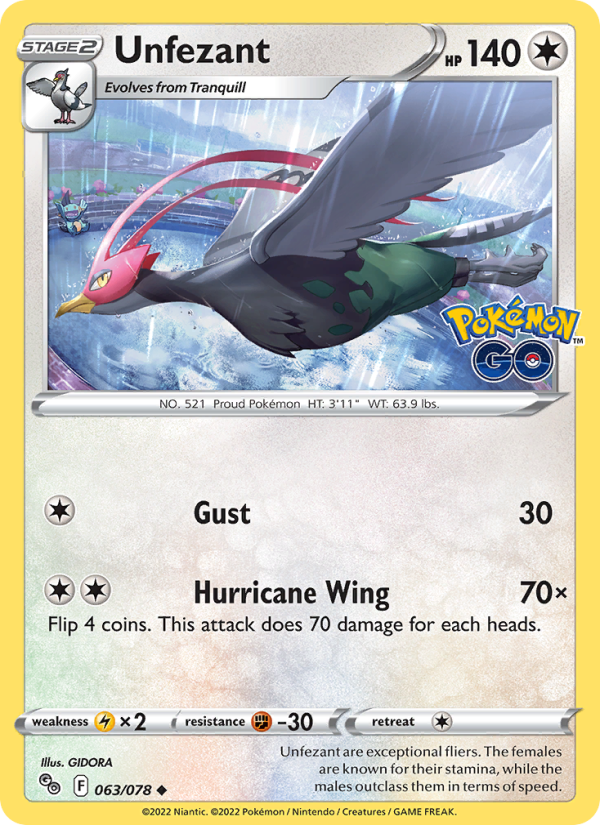
Pokémon GO · 2022 · GIDORA
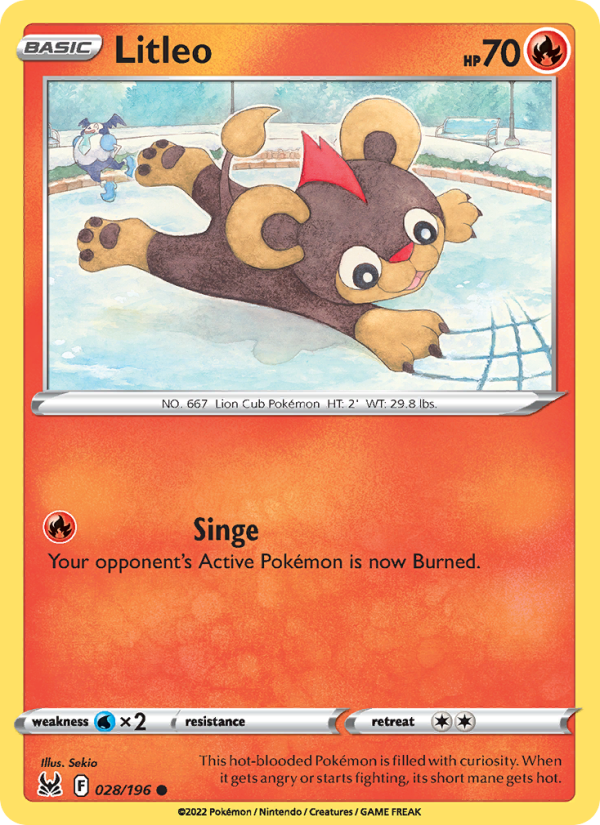
Lost Origin · 2022 · Sekio
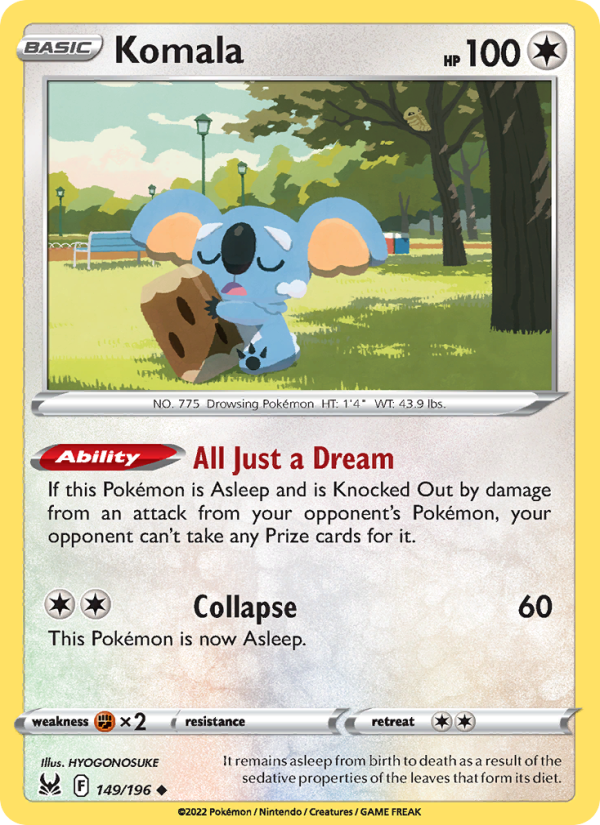
Lost Origin · 2022 · HYOGONOSUKE
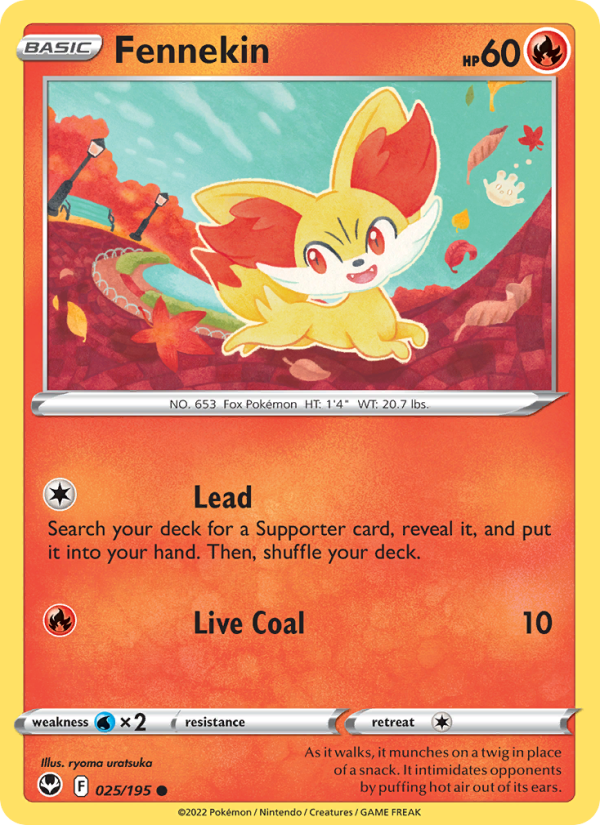
Silver Tempest · 2022 · ryoma uratsuka
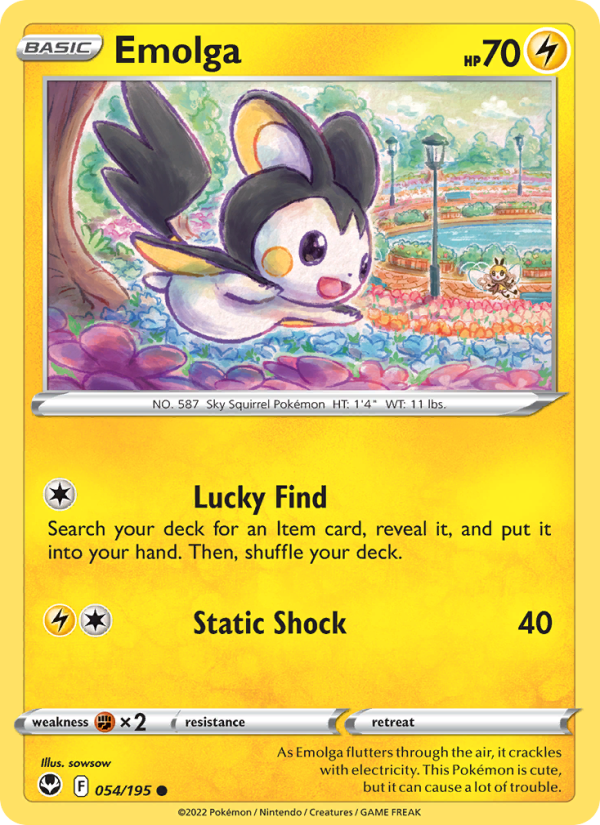
Silver Tempest · 2022 · sowsow
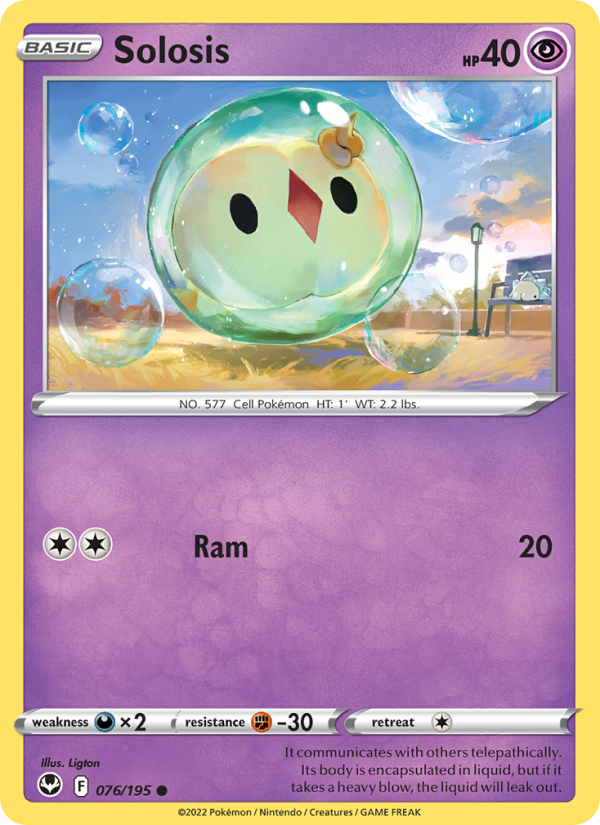
Silver Tempest · 2022 · Ligton
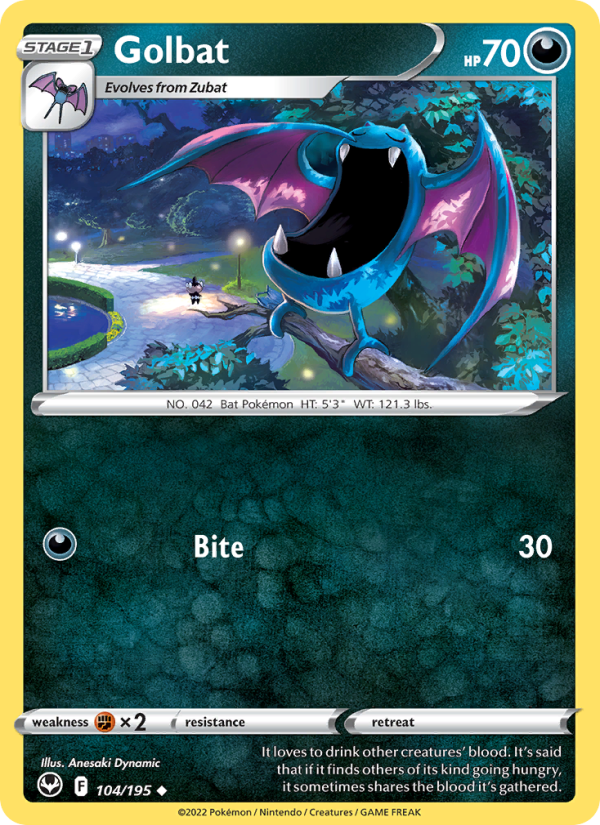
Silver Tempest · 2022 · Anesaki Dynamic

Crown Zenith Galarian Gallery · 2023 · Nurikabe
Try another Pokémon or set name.
Open your missing-card list directly in TCGplayer Mass Entry. Check the matches, add the cards to your cart, then use Cart Optimizer to compare seller and shipping options.